

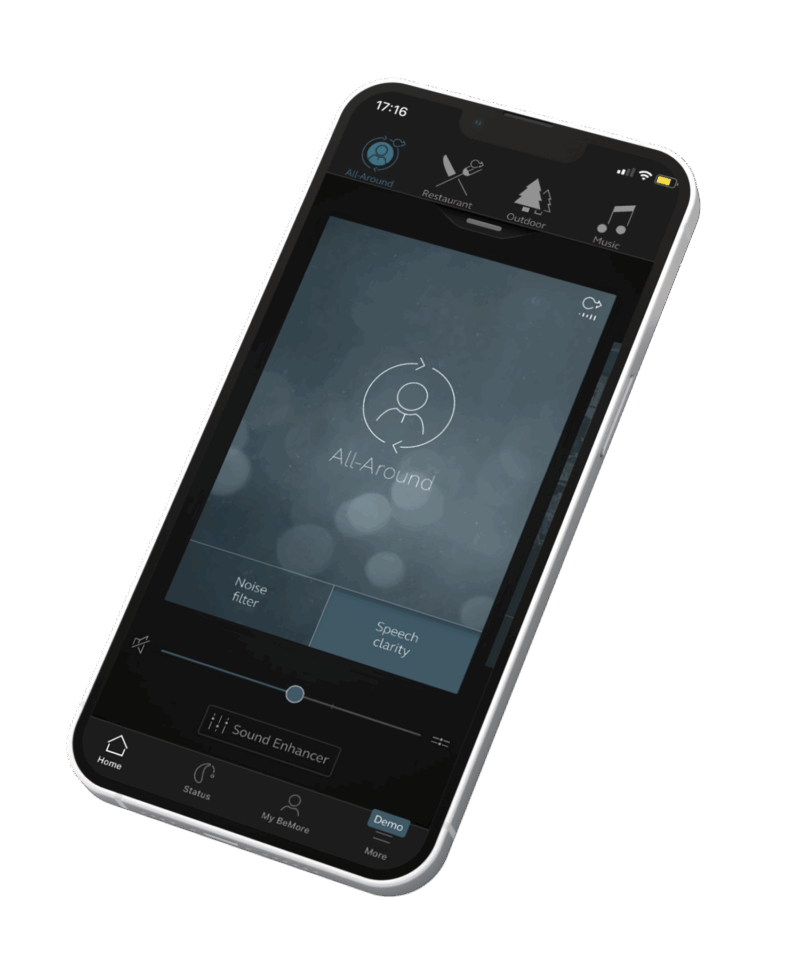
Access everything you need from the start screen
- Use the top carousel, drop-down or simply swipe to select a programme or wireless accessory.
- Use quick buttons for one-tap, advanced sound adjustments.
- Adjust volume or mute. Press the split icon to adjust volume for left and right hearing devices independently.
- One-tap access to everything you need for a quick adjustment.Feature availability depends on hearing device model and settings provided by your hearing care professional. Never miss an opportunity to be fully engaged in the world around you. Activate your favourite programmes, adjust the volume or access Sound Enhancer on the go, directly from your app’s main screen*.
*Feature availability depends on hearing device model and settings provided by your hearing care professional.
My BeMore – a helping hand
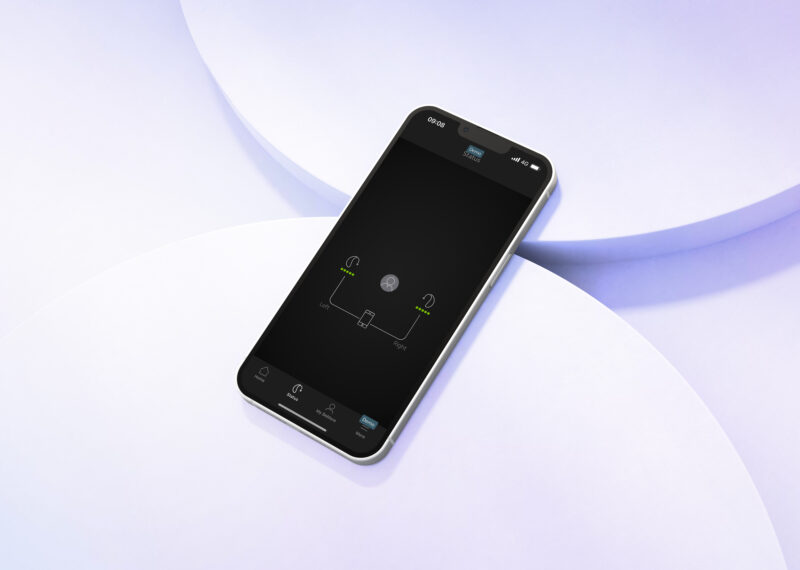
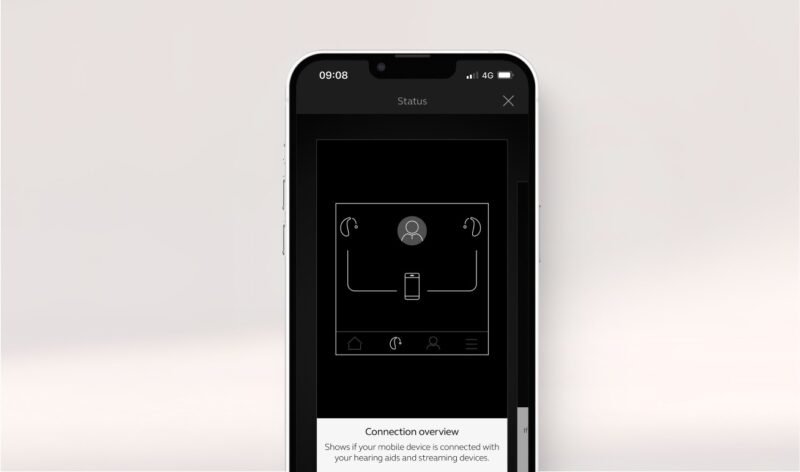
The BeMore app includes a My BeMore section, where your patient can learn more about the app and its features, find guiding tips, and, if they lose their hearing devices, use the ‘Find my hearing device’ feature.
Tinnitus Manager
If required, your Audiologist can enable the Tinnitus Manager, allowing you to make adjustments to white noise and six Nature Sounds, helping to break the tinnitus cycle and gain the relief they require.
Sound Enhancer –
personalise your sound
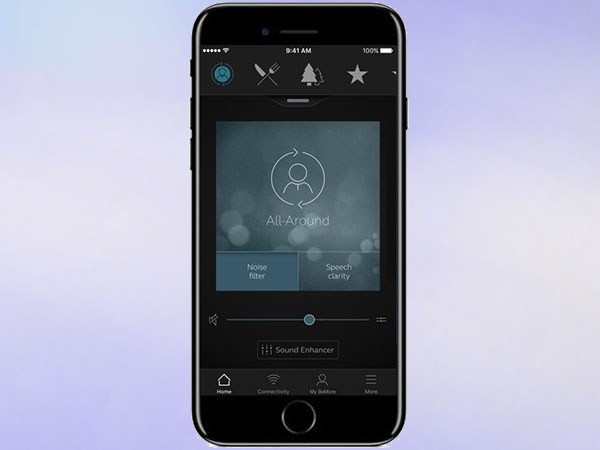
With the Sound Enhancer, users can fine-tune bass, middle and treble, and depending on the hearing device your users have, they can adjust noise reduction, speech focus and wind noise reduction. What’s more, when they find settings they like, they can save them as favourites.
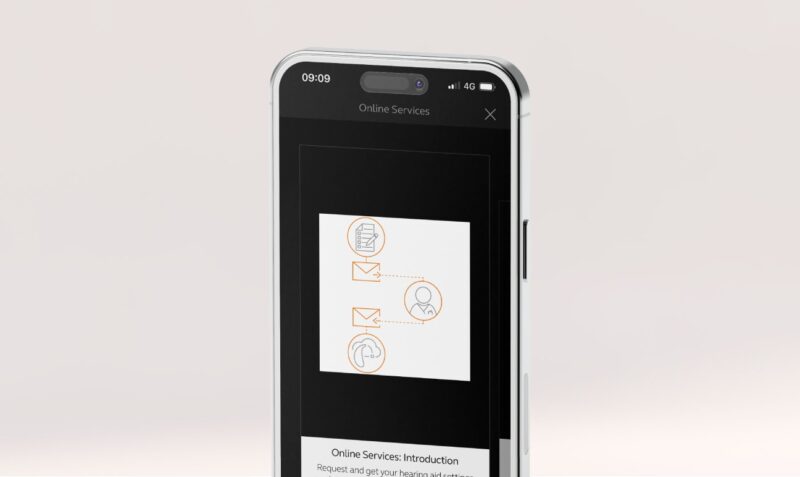
Hearing care wherever your users are
It is possible for your users to request changes to their hearing devices from the comfort of their own home. You can inform your users that if they cannot make the required changes using the app, GN Assist makes it possible for them to request changes to their hearing devices without the need for a hospital visit. These settings will be sent to you to action and then the user can download, accept or reject at home. The app also has the capability of allowing users to feedback to you via rate my sound.
Troubleshooting for the BeMore App
Firstly, check if your smart device is compatible by visiting our compatibility page. – if your device is supported, then please follow the steps below:
1. Navigate to Settings, Accessibility, Hearing Devices
2. Make sure no GN products are paired to the Bluetooth, and if they are, please unpair
3. Turn on flight mode on the phone
4. Delete the BeMore App
5. Turn off flight mode on the phone
6. Reinstall the BeMore App
7. if you have hearing aids which stream Bluetooth sound, please repair in settings. If you have danalogic Ambio hearing aids, go straight to point 8
8. Open the BeMore app
9. Click on Get started
10. Accept terms and conditions
11. Follow the prompts on screen to reconnect
Firstly, check if your smart device is compatible by visiting go.gn.com/app-support – if your device is supported, then please follow the steps below:
1. Navigate to Bluetooth on the phone
2. Make sure no GN products are paired to the Bluetooth, and if they are, please unpair
3. Turn on flight mode on the phone
4. Navigate to settings- Apps- BeMore
5. Click force stop
6. Click on storage
7. Click clear data
8. Turn flight mode off on the phone
9. Turn on location services
10. Turn the hearing aids off
11. Open the BeMore app
12. Click on Get started
13. Accept terms and conditions
14. Follow the prompts on screen to reconnect
This often happens when one of your hearing aids is replaced and sent out to you; the hearing aids need to be saved together in the hearing aid software for the phone to recognise them as a pair. Please contact Audiology for advice on resolving this.
Supporting documents
Hearing Aid Support
Our support library provides handy user guides and video tutorials for all Danalogic NHS hearing aids, accessories, and apps. So whether you’re unsure about how to use your NHS hearing aid, looking for top tips to maintain it, or want step-by-step instructions to pair a wireless accessory, we’ve got it covered.
Visit our support libraryProfessionals hub
If you would like more information about Danalogic NHS hearing aids, wireless accessories and apps, or to book a visit from our team, please get in touch. You can also explore our Professional Portal to access useful support materials.
Visit professional hub